📍 Navigate to: Open a patient note → click Add Context (sidebar) · Full UI Guide
Below is the guide on how to add information from previous visits in your new note, whether it’s a follow-up visit or the patient’s condition has changed.
Classic Method: Add Note as Context
You can pull information from a previous note into your current one.
This is useful if a colleague has already triaged the patient or if your patient has responded to a questionnaire and you want that data in your new patient note.
To do this,
- Go to the patient’s thread.
- Find the relevant past note in the context manager on the left side bar.
- Check the tickmark that note’s details into your new note.
Cannot see the AI Context manager?
Click on this cooking pot here 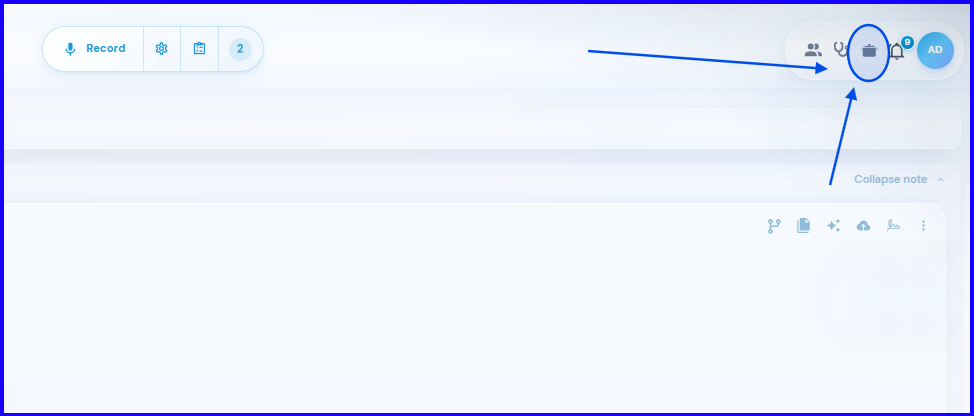
YouTube Video Tutorial
DeepCura is a robust platform packed with customizable features.
For advanced use, we invite you to explore our Help Center in depth.